What is an open path, and how do I fix “filled shape is open”?
Updated Nov 11, 2026
Short answer: An open path is a line whose ends do not meet. Join the pieces and close the gap so the shape can be cut out or filled.
Updated Nov 11, 2026
Short answer: An open path is a line whose ends do not meet. Join the pieces and close the gap so the shape can be cut out or filled.
Drop your SVG or DXF file here
or
Free. Nothing is uploaded: the check runs on your own computer.
Marks: open ends cut twice dots and tiny bits text and pictures
Changing these checks the file again.
A closed shape is a line that ends where it started, like a circle. An open path is a line whose two ends do not meet. To cut a piece out, or to fill a shape for engraving, the outline has to be closed.
By hand: in Inkscape, use the Node tool, select the two end points and press "Join selected nodes". In Illustrator, select the path and use Object › Path › Join. In LightBurn, Edit › Select Open Shapes shows them, and Edit › Auto-Join joins pieces that touch.
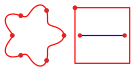
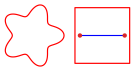
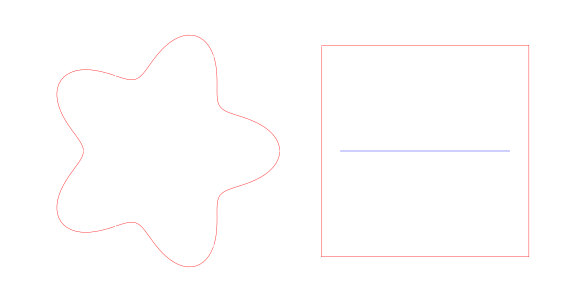
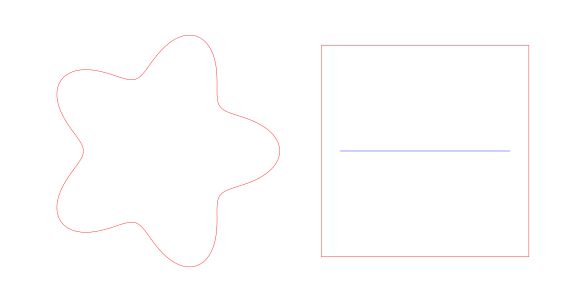
Download: before (SVG) · after (SVG)
Yes, a laser follows the line whether it is open or closed. But an open outline cannot cut a piece free, cannot be filled for engraving, and some programs refuse it, for example with a "filled shape is open" message.
The gap is too small to see, often a few hundredths of a millimeter, or the outline is many separate pieces that only touch. Zoom right in on corners, or drop the file in the checker, which marks every open end in red.
Only at the gaps. Pieces whose ends are within 0.5 mm are joined, and shapes whose two ends are within 0.5 mm are closed with a tiny straight line. You can change the 0.5 mm under More settings.
No. For lasers, the checker tells you which lines stay open so you can confirm they are score or engrave lines.