Why is my laser cutting the same line twice?
Updated Nov 11, 2026
Short answer: The file has doubled lines: a shape pasted twice, a line drawn twice, or two shapes that share an edge. Remove the extra copies.
Updated Nov 11, 2026
Short answer: The file has doubled lines: a shape pasted twice, a line drawn twice, or two shapes that share an edge. Remove the extra copies.
Drop your SVG or DXF file here
or
Free. Nothing is uploaded: the check runs on your own computer.
Marks: open ends cut twice dots and tiny bits text and pictures
Changing these checks the file again.
Your laser cuts every line in the file. If a line is in the file twice, it gets cut twice, even with passes set to 1. The second pass burns the edge darker, wastes time and can snap thin parts.
There are three usual causes:
By hand in LightBurn, select everything and use Edit › Delete Duplicates, and turn on "Remove overlapping lines" in Optimization Settings. In Inkscape or Illustrator, select a shape and move it aside to find a copy underneath, then delete the copy.


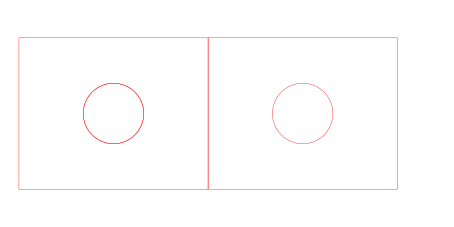
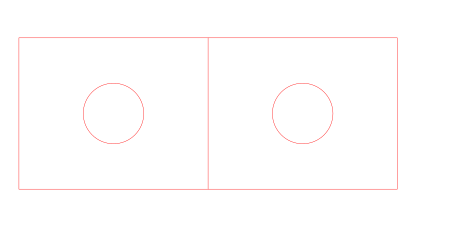
Download: before (SVG) · after (SVG)
Because the line is in the file twice. Passes repeat every line; a doubled line gets cut once per copy on every pass. Remove the copy and the line is cut once.
LightBurn has "Remove overlapping lines" in Optimization Settings, which skips lines that overlap when it plans the cut, and Edit › Delete Duplicates, which removes identical shapes. Some users report overlaps it misses, for example when the lines were imported as one long path. Cleaning the file itself avoids that.
Remove the shared edge from one of the two parts, so only one outline runs along it. The checker does this for lasers when you press Fix. For plasma and metal shops it reports it instead, because those need a gap between parts.
You usually cannot: two copies of a line look exactly like one. In Inkscape or Illustrator, drag the shape aside to see if another one is under it. The checker marks them in orange.