What are stray points and tiny pieces, and how do I remove them?
Updated Nov 11, 2026
Short answer: They are invisible leftovers from tracing or editing: points with no size and bits under half a millimeter. Delete them before cutting.
Updated Nov 11, 2026
Short answer: They are invisible leftovers from tracing or editing: points with no size and bits under half a millimeter. Delete them before cutting.
Drop your SVG or DXF file here
or
Free. Nothing is uploaded: the check runs on your own computer.
Marks: open ends cut twice dots and tiny bits text and pictures
Changing these checks the file again.
A laser may travel to each one and fire, leaving small burn marks. Tiny pieces fall through the bed or melt. Metal shops reject files with stray points, and plasma torches pierce at each one.


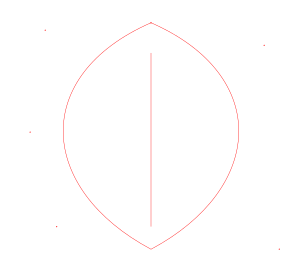
Download: before (SVG) · after (SVG)
A point has no size, so nothing is drawn. Inkscape has no built-in way to find them, according to SendCutSend's Inkscape guide. The checker marks each one with a purple circle.
It suits most laser and plasma work: anything smaller is usually tracing dust. For fine jewelry or small lettering, lower it under More settings so real details are kept.
No visible change: only points with no size and pieces under the size you set are removed. Everything else is left exactly where it was.