Why won't my text cut, and how do I turn text into outlines?
Updated Nov 11, 2026
Short answer: Typed text needs its font. Convert it to outlines (paths) in your design program before saving the cut file.
Updated Nov 11, 2026
Short answer: Typed text needs its font. Convert it to outlines (paths) in your design program before saving the cut file.
Drop your SVG or DXF file here
or
Free. Nothing is uploaded: the check runs on your own computer.
Marks: open ends cut twice dots and tiny bits text and pictures
Changing these checks the file again.
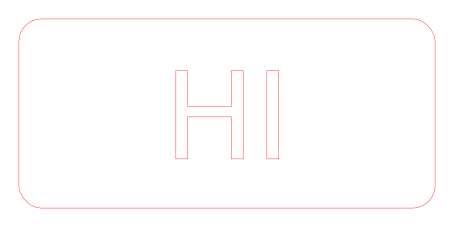
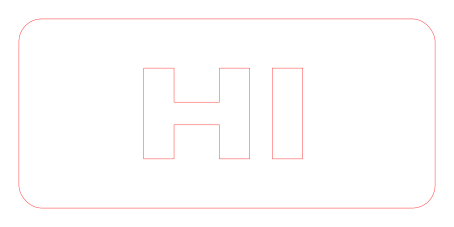
Text you type in a design program is stored as letters plus a font name, not as shapes. On another computer, or in laser and CAM software, the font may be missing, so the text is skipped, shown in a different font, or comes in as a box. Turning text into outlines (also called "convert to path", "create outlines", "expand" or "explode") makes each letter a shape that every program can cut.
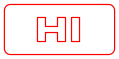
Download: before (SVG) · after (SVG)
Turning text into shapes needs the font file, which lives on your computer, not in the SVG. Your design program has the font, so it can do it in one click. The checker tells you exactly which text is still typed.
The middle of an O is a separate piece, so it falls out. That is fine for a laser engraving or a hole, but for a stencil or a metal sign you need small bridges holding the middle in place, or a stencil font.
No. Shops such as SendCutSend ask for all text to be converted to outlines first: active text boxes will not cut.