Why is my design “too complex” or freezing the laser software?
Updated Nov 11, 2026
Short answer: The file has tens of thousands of points, often thousands of loose little lines from CAD or tracing. Join and simplify them.
Updated Nov 11, 2026
Short answer: The file has tens of thousands of points, often thousands of loose little lines from CAD or tracing. Join and simplify them.
Drop your SVG or DXF file here
or
Free. Nothing is uploaded: the check runs on your own computer.
Marks: open ends cut twice dots and tiny bits text and pictures
Changing these checks the file again.
Every corner and curve point in a file is a node. Laser software has to plan a path through all of them. Some files carry far more than they need:
xTool's help pages make the same point: how complex an SVG is depends on the number of curves, not on the file size.
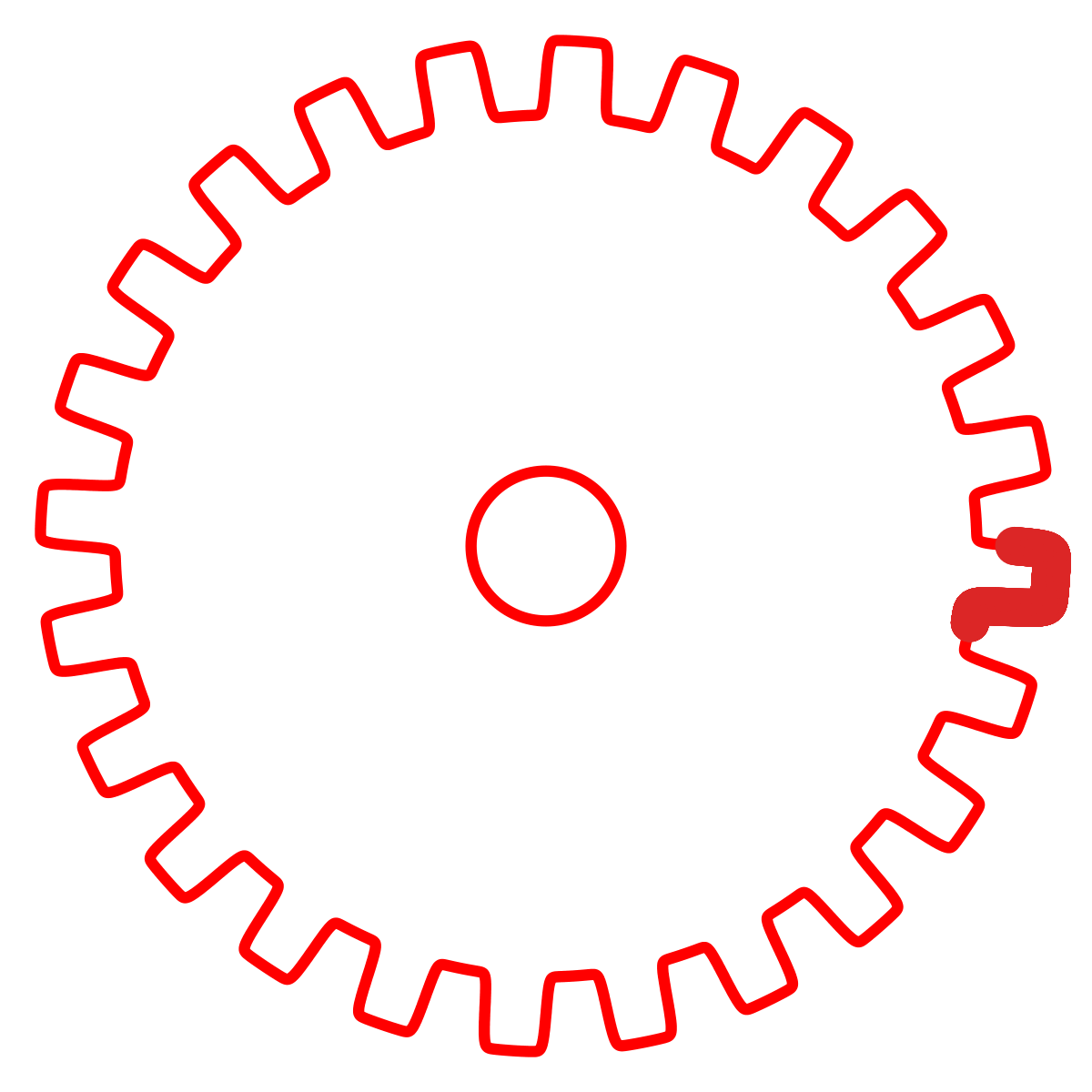
Download: before (SVG) · after (SVG)
There is no single number, and it depends on your computer. Glowforge support says a very high node count can make a print fail at "Preparing your print". The checker warns from about 20,000 points.
No. Joining connects pieces end to end. Merging only removes points that sit on a straight line, never moving the line by more than 0.005 mm.
Then the curves themselves have too many points, which needs simplifying. In Inkscape use Path › Simplify; in Illustrator, Object › Path › Simplify. Check the result here afterwards, because simplifying can open or overlap shapes.